 |
|||
 |
|||

|





| tutorial | |||||||||||||||||||||||||||
command line console and batch scripts [since 2.0]The OBEROn OOQL console is a text-only interface for
interacting with the platform by typing commands to perform tasks.
The command-line interpreter receives, analyses, and executes the
requested OOQL command of file.
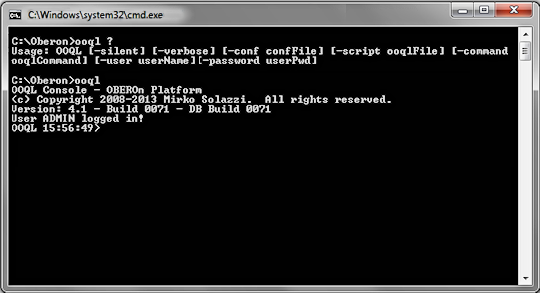
To start the console you can run the ooql.bat (or ooql.sh)
script; this script loads the enviroment parameters used to access
the OBEROn DB from the config script and the etc/oberon.ini file like
the other graphical clients.
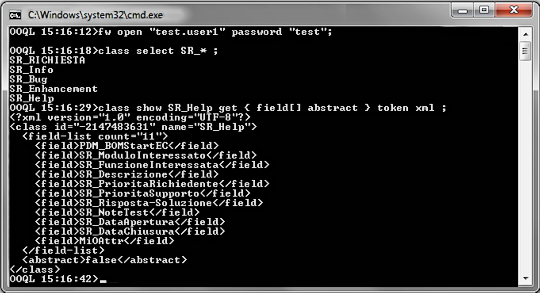
framework open "<User_Name>"
password "<User_Password>" ;
Note: you must write each command on the same
line and commands must end with the ";" symbol as usual.
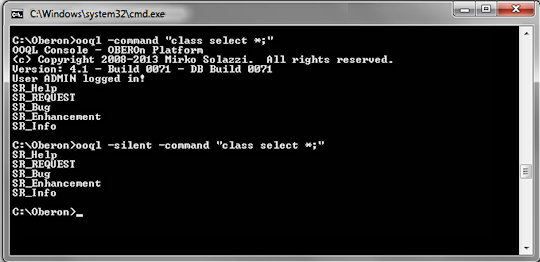
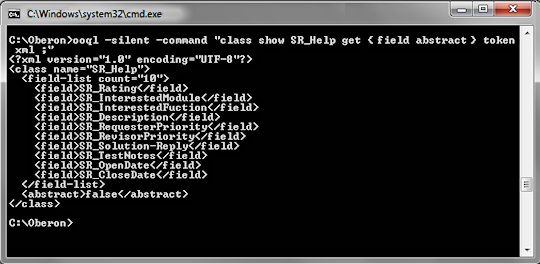
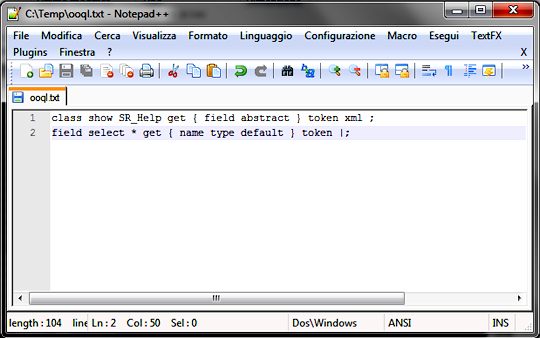
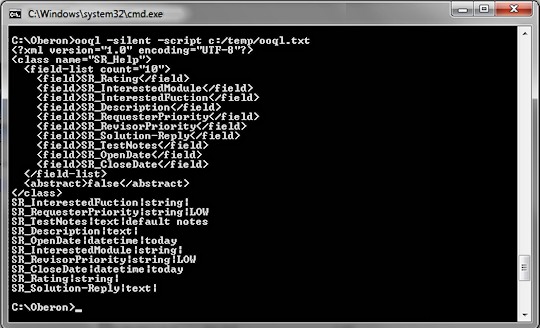
Moreover, it is possible to execute a sequence of commands written in a script file: you have only to prepare the text file with all commands (end with ";") you want to execute in the given order and launch the ooql script with the "-script" option followed by the file path+name.
|
|||||||||||||||||||||||||||


Please Read: Privacy Policy and Terms of Use